The Laracasts PHPStorm theme.
https://www.dropbox.com/s/f4l3qc2falnvq61/laracasts_theme_updated.icls
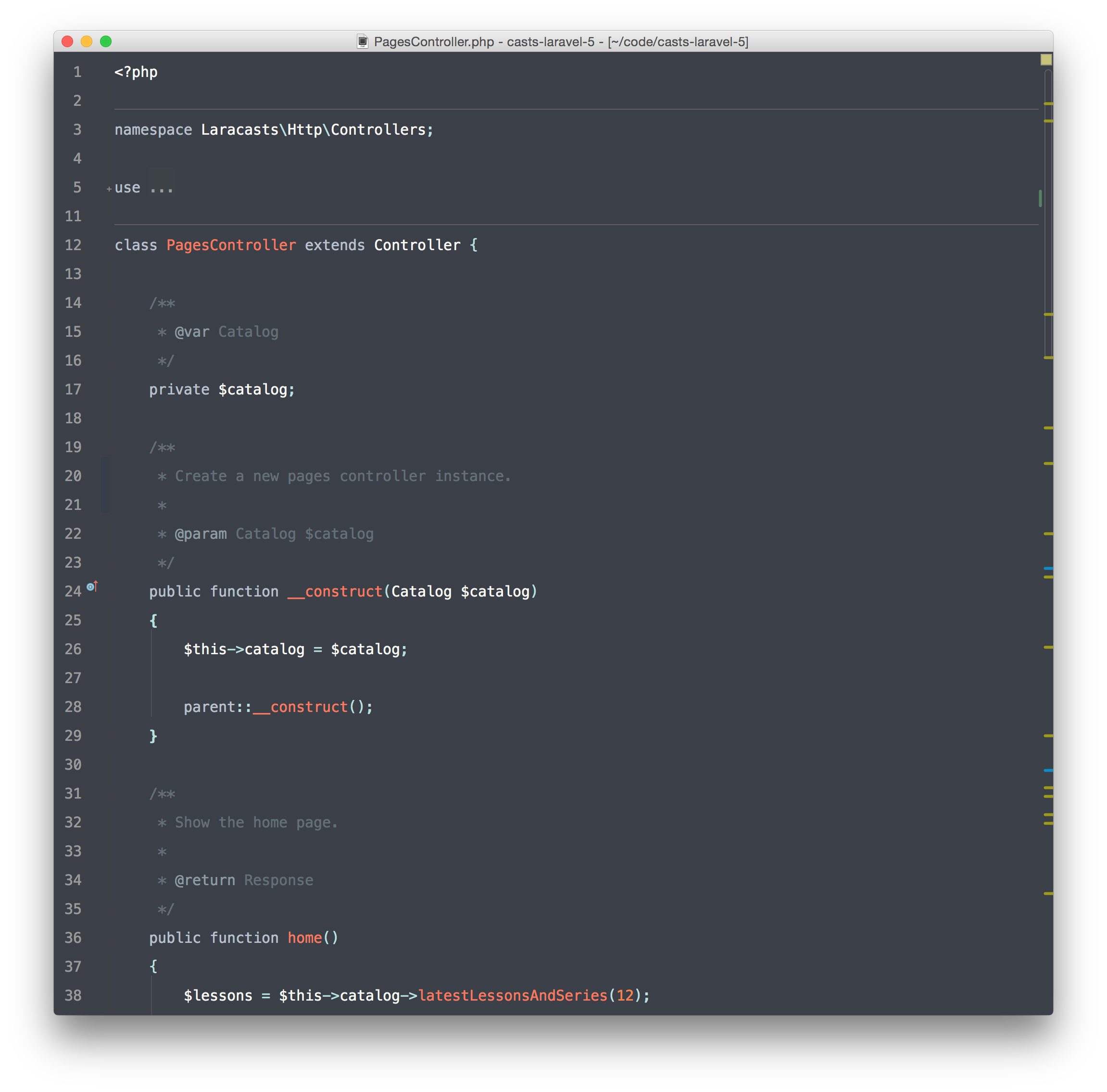
(Add to ~/Library/Preferences/WebIde80/colors on Mac.)

The Laracasts PHPStorm theme.
https://www.dropbox.com/s/f4l3qc2falnvq61/laracasts_theme_updated.icls
(Add to ~/Library/Preferences/WebIde80/colors on Mac.)


Lovely

Path for Windows :)
%userprofile%/.WebIde80/config/colors/

Hmm, looks very beautiful but not very useful. The coloring for missing classes is the same as valid classes... happy coding!

On Linux with idea, the path is $HOME/.IntelliJIdea14/config/colors
@ruudk in idea 14 you can fix it as follows: Go to File, Settings, Editor, Colors & Fonts, General, Warning. There you can define what a warning should look like. For example: I added an orange underweaved effect, which then also shows on unidentified classes (which are regarded a warning)

I've fixed a few things on this theme like the mentioned missing warnings and some version control stuff like added, modified and deleted lines.
https://gist.github.com/maxxscho/5847465ddf85f72d5ad0

I might be missing something but has anyone imported this into PHPStorm 9 EAP?

Sublime version please! =D

Thanks to Jeff and maxxscho. A Sublime version would be awesome
I'm working on a sublime version. Please be patient - it's my first Sublime color scheme :)

Thanks for theme! How to make the entire interface was the same color, not just the editor?

is that sublime version anywhere?

hi, with laravel on routes.php file, there is no vertical indent lines. possible to fix it?

@richardegil : Just create folder "color" in Library/Preferences/WebIde90/ on Mac. On Windows must be the same.

@lotestudio : "colors", 's' was missing :)

Thank you very much!

Thank you!

Link broken.
The file you’re looking for has been moved or deleted.
Please see this article for details on why a shared link might stop working.

yes, link broken

maxxscho updated and commented the new link. here it is https://gist.github.com/maxxscho/5847465ddf85f72d5ad0

Link broken.

Download link broken.

Here is the original one from Jeff. https://gist.github.com/jdssem/24612c3b5f21bf4e9918

the link is broken ..

Yep! Broken link :(

Use @jdssem gist:
Here is the original one from Jeff. https://gist.github.com/jdssem/24612c3b5f21bf4e9918

Don't forget iTerm <3